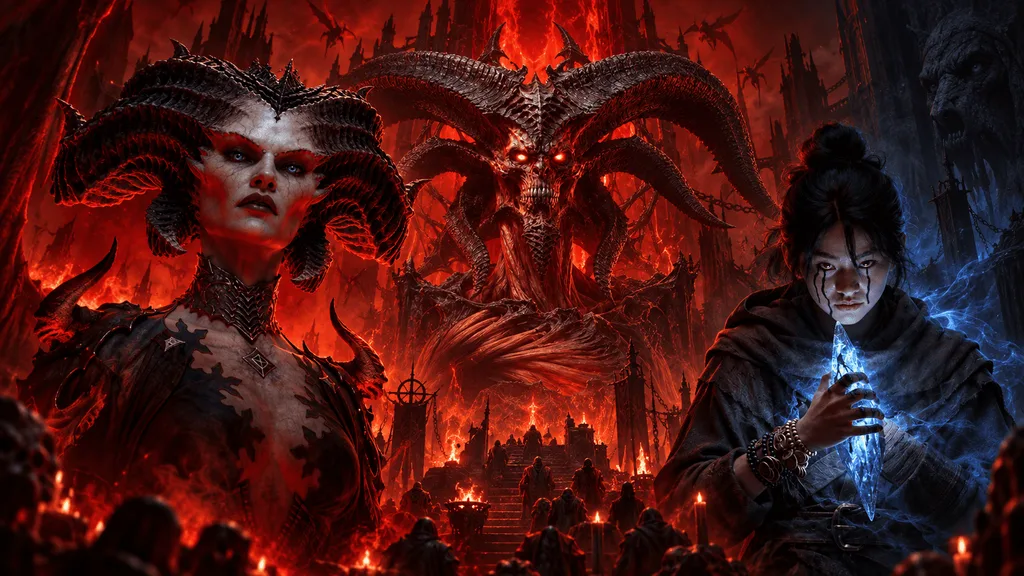
Diablo 4 Switch 2 crossplay lets you join players across supported platforms, while cross-progression lets you continue your adventure when switching devices. Nintendo’s Age of Hatred Collection listing confirms full support for both features. Returning players should use the Battle.net account associated with their existing characters.
Before buying, check which account holds your progress, what the Switch 2 edition includes and the online multiplayer requirements. Cross-progression does not automatically give you another platform’s copy of the game.
What do crossplay and cross-progression mean?
Crossplay allows people on different gaming platforms to play together. Cross-progression allows one player to continue their progress across supported platforms.
Joining a friend who plays on another console uses crossplay. Playing on your desktop and later continuing with the same character on a handheld uses cross-progression.
Cross-buy is a separate feature. It determines whether one purchase provides access on multiple platforms.
| Feature | What it means for you |
|---|---|
| Crossplay | Play with others across supported platforms |
| Cross-progression | Continue your existing progress on another supported platform |
| Cross-buy | Access multiple platform versions through one purchase, where explicitly offered |
For returning players, the distinction affects both setup and cost. You can have access to your progress without owning the game on every device where you want to play.
Does Diablo 4 Switch 2 crossplay support other platforms?
Nintendo advertises full crossplay for the Switch 2 release, alongside cross-progression. The listing also requires an internet connection and a Battle.net account.
If you are planning a session with friends, exchange BattleTags beforehand. That gives everyone a consistent account identifier instead of relying on different console usernames.
Once the game is available, check its cross-network options if invitations are not working. Also confirm that everyone has installed the latest update and selected characters compatible with the same activity.
Crossplay does not remove character or content restrictions. Seasonal participation, character mode and access to expansion content can still affect whether a group can play together.
What should you prepare before playing on Switch 2?
Start with your accounts and access requirements.
| Check | What to do |
|---|---|
| Game access | Confirm which Switch 2 edition you intend to purchase |
| Nintendo Account | Use the intended account on your console |
| Battle.net account | Find the login associated with your existing Diablo 4 characters |
| Online membership | Check the Nintendo Switch Online requirement for multiplayer |
| Internet connection | Plan for an active connection while playing |
| Friends | Exchange BattleTags before your first session |
Nintendo lists Nintendo Switch Online support for the game. Check the multiplayer terms on your regional eShop before buying a membership.
The official Diablo 4 website also states that an internet connection is required to play. You therefore need connectivity even when you intend to adventure alone.
For travel, think about where you will connect. Playing in handheld mode at home is a different situation from playing during a journey without reliable internet.
How should you prepare your Battle.net account?
Before launching the Switch 2 version, sign in to the Battle.net account you already use for Diablo 4.
Review your linked accounts through Battle.net account connections. If you use several email addresses or have an older Blizzard account, resolve that uncertainty before approving a new connection.
- Open Diablo 4 on the platform where you currently play.
- Note your BattleTag and confirm that your expected characters appear.
- Sign in to Battle.net in a browser.
- Check that you recognize the account and its existing connections.
- When the Switch 2 game presents account instructions, confirm the account details before approving them.
These are preparation steps. Exact button names and the order of the Switch 2 prompts still need retail testing.
If a linking screen shows an unfamiliar account, stop and check it. Creating another account simply to get past the prompt can make troubleshooting harder.
Does your existing progress carry over?
Nintendo confirms full cross-progression for the Switch 2 edition. However, that general description does not explain how every currency balance, purchase or platform entitlement is handled.
For your first login, compare the Switch 2 version with your existing version:
- Is the expected character present?
- Does its level match?
- Does its equipment look correct?
- Are you checking the appropriate Seasonal or Eternal character list?
If something is missing, record exactly what differs. An absent character and an unavailable expansion point to different problems.
Check your account before buying content again. A purchase will not resolve signing in to the wrong account.
Do you need to buy Diablo 4 again on Switch 2?
Budget for Switch 2 access unless your storefront explicitly shows an applicable entitlement or offer. Cross-progression alone does not mean your PC, PlayStation or Xbox purchase includes the Nintendo version.
Blizzard announced the Age of Hatred Collection as a Switch 2 release without offering a free copy to existing owners in that announcement.
Before planning expansion activities with friends, check which content you can access on the device you will actually use. This matters when moving back to a platform where you own a different edition.
What does the Age of Hatred Collection include?
The collection contains:
- Diablo 4 base game
- Vessel of Hatred expansion
- Lord of Hatred expansion
Blizzard also announced the Amazon character class for the first half of 2027, with further class-pack details to follow. Do not assume that future release is included in this collection.
You can watch the presentation behind these announcements in the official opening ceremony video:
What should you check if your character is missing?
Begin with the account rather than assuming the character has been deleted.
| Problem | First check |
|---|---|
| Your character list is empty | Confirm the Battle.net account being used |
| Only one character seems absent | Check the relevant character list and mode |
| Your existing platform also cannot load characters | Look for a service or sign-in issue |
| Characters appear, but friends cannot join | Check multiplayer settings and party compatibility |
| Characters appear, but content is unavailable | Check your edition and expansion access |
An invitation problem and a missing-character problem need different checks. Cross-network communication settings concern social features; they are not the first place to investigate an empty character list.
If the account looks correct and the issue persists, take screenshots of the error and note which platforms are affected. Give Blizzard Support those details before unlinking accounts.
When does Diablo 4 release on Switch 2?
Blizzard gives September 15, 2026 as the Switch 2 release date.
Its announcement separately lists September 15 at 9:30 a.m. PT for the start of the Season of Hell’s Legacy rollout. That season time does not establish an exact Nintendo eShop unlock time.
Blizzard’s BlizzCon recap covers the release date, collection contents, upcoming Amazon class and USB control support.
Check your regional eShop for local availability before scheduling a launch session.
Can you use mouse and keyboard controls?
Blizzard confirms USB mouse and keyboard support for the Switch 2 version. Joy-Con 2 mouse functionality is not supported.
If you already own USB peripherals, try those before buying another set.
For readers comparing wired mice, the Logitech G203 is one product to inspect. GamingChill has not tested this model with Diablo 4 on Switch 2, so it is not a verified compatibility recommendation.
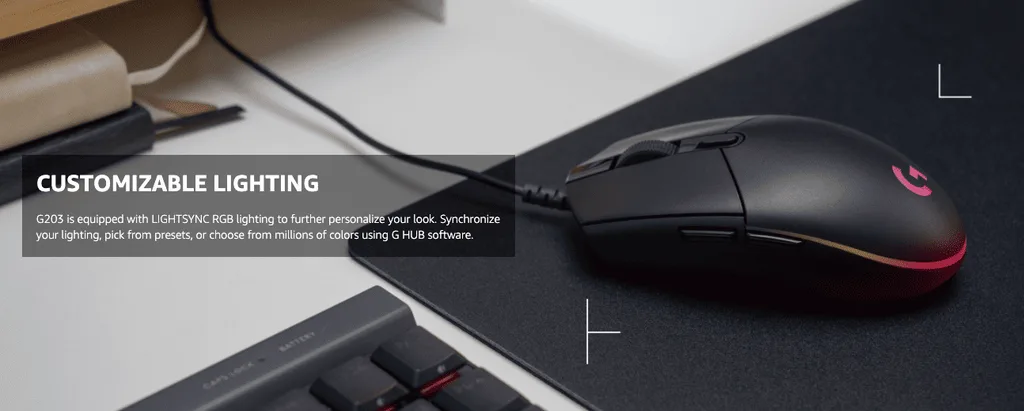
Before ordering, check the connector, your available USB ports and the seller’s return policy. A new mouse is optional; it is not required for crossplay or cross-progression.
As an Amazon Associate, Gaming Chill earns from qualifying purchases. This does not affect the price you pay or what we recommend. Full disclosure