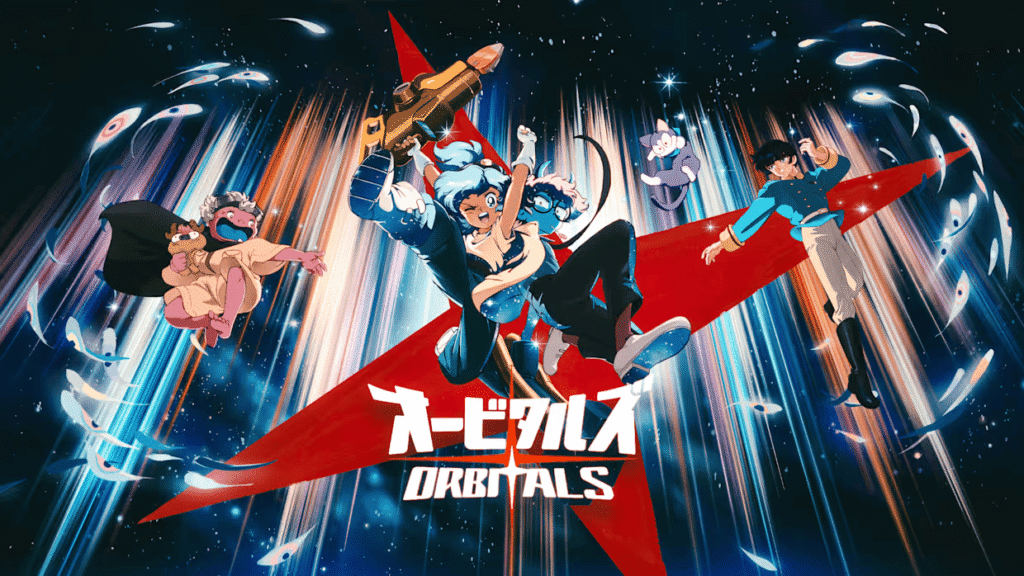
No. Only one player needs to buy Orbitals. The other can join the complete adventure through the free Global Friend’s Pass, or the pair can use couch co-op or GameShare. Which option works for you depends on whether you are playing together or remotely and which Switch models you own.
Orbitals does not have a solo mode, so make sure you have someone to play with before buying it.
How to play Orbitals with one copy
Choose your setup based on where the two players are and the consoles available to them.
| Your setup | Best option | Paid copies | Hardware | Nintendo Switch Online |
|---|---|---|---|---|
| Same screen | Local co-op | 1 | One Nintendo Switch 2 and two controllers | No |
| Same room, separate screens | Local GameShare | 1 | A Switch 2 host and a compatible Switch system | No |
| Different locations | Global Friend’s Pass | 1 | Two Nintendo Switch 2 systems | Both players need it |
| Different locations | Online GameShare | 1 | Two Nintendo Switch 2 systems | Both players need it |
An original Nintendo Switch, Switch Lite, or OLED model can receive a local GameShare session. Remote co-op, however, requires a Nintendo Switch 2 for each player.
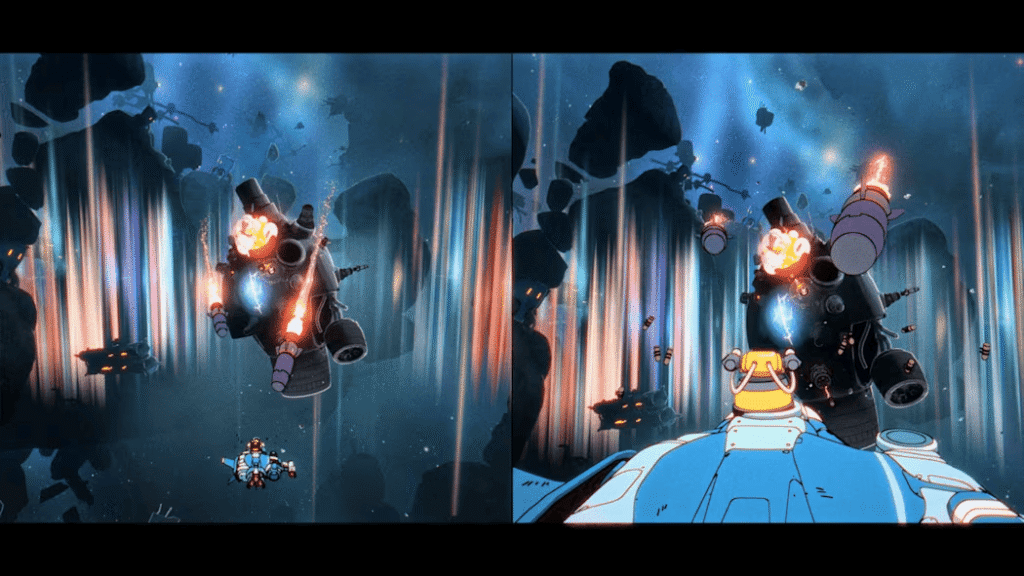
Playing together on one Nintendo Switch 2
Orbitals local co-op is the simplest setup. Connect two sets of controllers and start the full game on one Nintendo Switch 2. You do not need the Friend’s Pass app or a Nintendo Switch Online membership.
Nintendo lists Orbitals as supporting two players on a single system. Both players share the Switch 2 through the game’s split-screen presentation, with one controlling Maki and the other controlling Omura.
This works well for people playing in the same home because there is no second console to configure. You still need two active players: the puzzles and character abilities are built around cooperation.
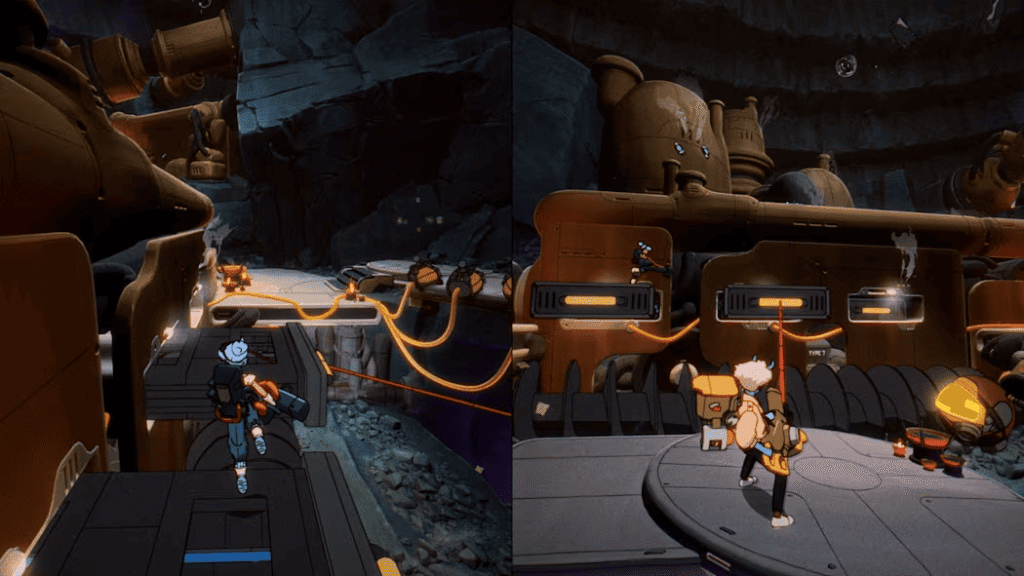
Using Orbitals GameShare on two systems
Orbitals GameShare gives each person a separate screen without requiring another purchase. The owner starts the session from a Nintendo Switch 2, while the second player joins on a compatible Switch system nearby.
According to Shapefarm’s official co-op breakdown, the receiving system can be:
- Nintendo Switch 2
- Original Nintendo Switch
- Nintendo Switch Lite
- Nintendo Switch OLED model
Orbitals has not received a native Switch 1 version. An older system can only participate because the Switch 2 host shares a temporary session with it.
Nintendo explains that GameShare streams the game from the host rather than placing an owned copy on the guest’s console. The guest can play while the session is active, but the software is unavailable once sharing ends. Nintendo does not impose an extra time limit within a session, so the pair can meet again and continue playing across later sessions.
Local GameShare does not require Nintendo Switch Online, but the consoles must be close enough for local wireless play. A Switch 1 cannot receive an online GameShare session.
Latest posts:
- 12 best road trip game apps for long car rides in 2026
- Will Modern Warfare 4 have Open Combat Missions?
- Who is Nagato in Ghost of Yōtei?
- Is Onimusha: Way of the Sword like Black Myth: Wukong?
- Can you do everything in Blood of Dawnwalker’s 30 days?
Playing online with Orbitals Global Friend’s Pass
Orbitals online co-op is available through Global Friend’s Pass when the two players live apart and only one owns the game. The second player downloads the free app, then joins after receiving an invitation from the owner.
Both people need a Nintendo Switch 2, internet access, and an active Nintendo Switch Online membership. The Nintendo eShop listing gives the Friend’s Pass app a file size of 13.4 GB, so the guest should install it before the planned session.
To get started:
- The guest downloads Orbitals Global Friend’s Pass from Nintendo eShop.
- The owner launches the paid version of Orbitals.
- The owner sends an invitation to the Friend’s Pass player.
- The guest accepts the invitation and joins the campaign.
The official instructions confirm this invitation flow but do not name every in-game menu button. If another guide shows a longer process, check that its screenshots match the current version before following it.
Once connected, the invited player can join the entire adventure at no additional cost. This access is not restricted to selected levels or a short trial period.
The Friend’s Pass app also contains a separate demo of the opening chapter. This demo is local co-op only and lets two people try Orbitals together on one Switch 2 without anyone buying the full version. It cannot be used as a remote demo between two non-owners.
Should you use Friend’s Pass or GameShare?
Both features let two people play with one paid copy, but they suit different setups.
| Feature | Global Friend’s Pass | GameShare |
|---|---|---|
| Guest access | Dedicated free Orbitals app | Game streamed by the host |
| Remote co-op | Yes | Yes, through GameChat |
| Original Switch support | No | Local sessions only |
| Access after the host leaves | Full game requires another owner invitation | Shared software becomes unavailable |
| Free demo | Opening chapter in local co-op | No separate demo |
Friend’s Pass makes the most sense for a remote partner who has a Switch 2. Local GameShare is useful when the second player is nearby and wants a separate screen, especially if that person still uses an original Switch model. Two Switch 2 owners can also use online GameShare through GameChat.
If you also want to see how Orbitals looks and performs on Nintendo Switch 2 before buying it, the video below provides a broader review of the release build.
Is Orbitals a two-player-only game?
No. Nintendo’s UK listing explicitly states that Orbitals does not support single-player mode. Nintendo also lists both single-system and online play for two players.
Friend’s Pass lets a non-owner join, but it does not replace the second player with an AI companion. You need a partner for both local and online play.
Common questions about Orbitals co-op
Does Orbitals require Nintendo Switch Online?
Only for remote play. Both players need Nintendo Switch Online when using Global Friend’s Pass or online GameShare. Couch co-op and local GameShare do not require a membership.
Can you play Orbitals on Nintendo Switch 1?
Not as a standalone Switch 1 game. An original Switch, Switch Lite, or OLED model can join a nearby Switch 2 through local GameShare, but it cannot host the game or join a remote session.
What is still unclear about Friend’s Pass progress?
Save data is the one important part that Nintendo and Shapefarm have not explained. Their documentation does not say whether a guest keeps personal unlocks, can continue the same campaign with a different owner, or carries progress over after the players swap hosting roles.
For now, all we know for certain is that the guest can play the full campaign with the owner. Do not assume the second account receives an independent campaign save unless the developers confirm it.