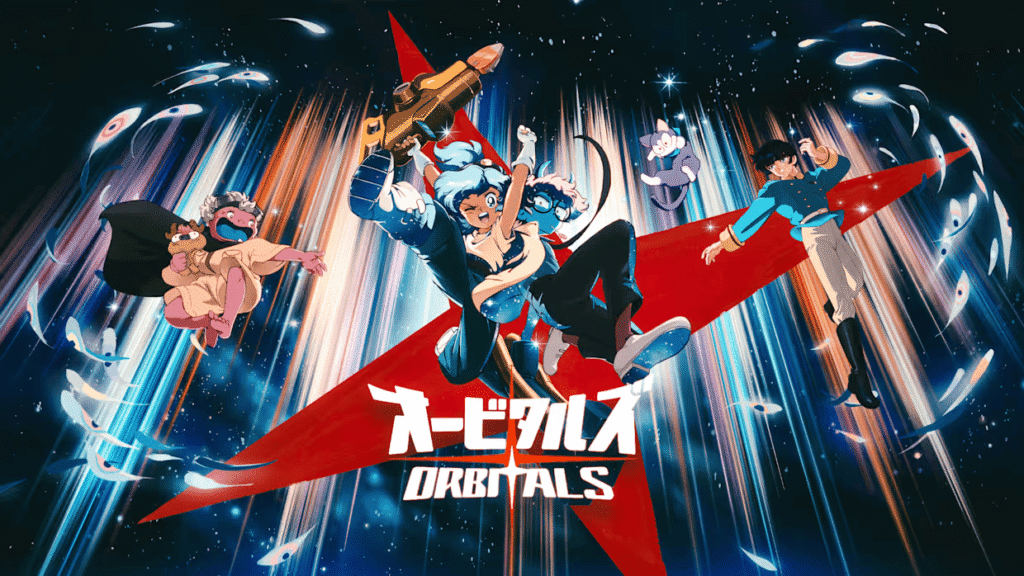
No, both players do not need to buy Orbitals. One player can own the full game while the other joins through Orbitals: Global Friend’s Pass. Depending on the setup, players can also use local co-op or GameShare without purchasing two copies.
Orbitals is built around two-player co-op on Nintendo Switch 2, with support for local play, online multiplayer, and GameShare. The exact requirements depend on whether both players are using the same console, separate systems nearby, or playing from different locations.
Can two players play Orbitals with one copy?
Yes. One paid copy of Orbitals can be enough for two players, depending on the co-op method you choose.
| Your setup | Co-op option | Paid copies | Hardware | Nintendo Switch Online |
|---|---|---|---|---|
| Same screen | Local co-op | 1 | One Nintendo Switch 2 | No |
| Same room, separate screens | Local GameShare | 1 | Switch 2 host + Switch 2 or Nintendo Switch guest | No |
| Different locations | Online Friend’s Pass | 1 | Two Nintendo Switch 2 systems | Yes |
| Different locations | Online GameShare | 1 | Two Nintendo Switch 2 systems | Yes |
Nintendo lists Orbitals as supporting two players on one system and two players online. The official product information also lists GameShare for both local and online play.
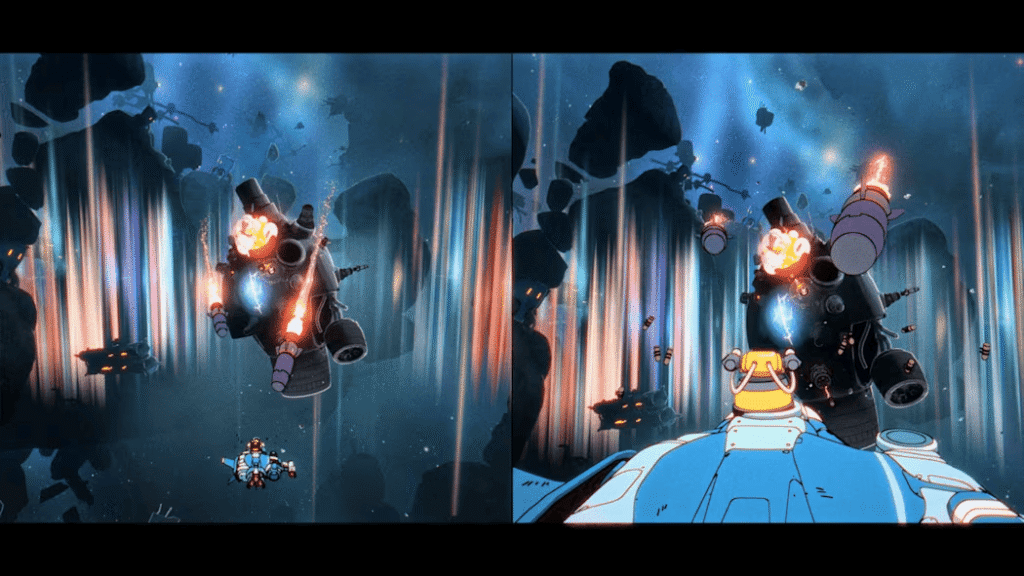
Playing Orbitals on one Nintendo Switch 2
Orbitals supports two players on a single Nintendo Switch 2, making local co-op an option for players who want to experience the game together on one system. The game is designed around Maki and Omura working together, with each character contributing different tools and abilities during the adventure. Local co-op does not require Nintendo Switch Online because both players are using the same Nintendo Switch 2.
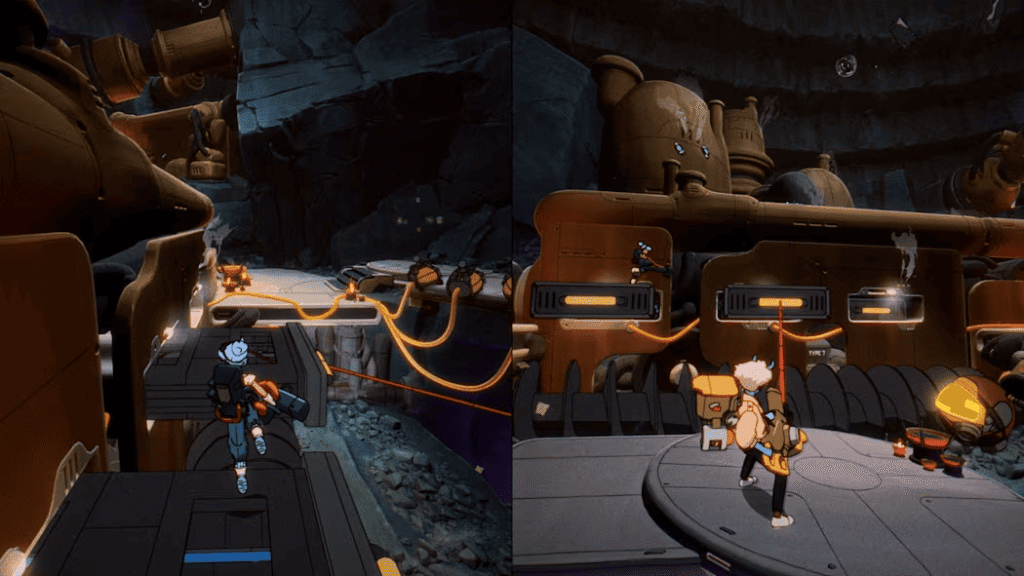
How Orbitals GameShare works
GameShare lets the owner of Orbitals share access with another compatible Nintendo Switch system without requiring the second player to purchase the game. Nintendo lists Orbitals as supporting both local and online GameShare, and a Nintendo Switch 2 is required to initiate GameShare.
For local GameShare, the host can share Orbitals with another nearby Nintendo Switch 2 or Nintendo Switch. A Nintendo Switch can join a supported local GameShare session, but it cannot host GameShare.
Games received through GameShare can only be played during the active GameShare session, so the guest does not receive a permanent copy of Orbitals.
Does GameShare require Nintendo Switch Online?
Local GameShare does not require Nintendo Switch Online.
For online GameShare, players need an internet connection, a Nintendo Account, and a Nintendo Switch Online membership. Online GameShare requires Nintendo Switch 2 systems on both sides. In other words, Nintendo Switch Online is required for remote GameShare, but not for local GameShare.
Playing online with Orbitals Global Friend’s Pass
The Orbitals: Global Friend’s Pass allows a player who does not own the full game to join a friend’s complete co-op adventure at no cost. The player who owns the full game needs to send the invitation. For online co-op, both players use Nintendo Switch 2 systems and need the required online features.
How to Use Orbitals Global Friend’s Pass
The basic process is:
- The second player downloads Orbitals: Global Friend’s Pass.
- The player who owns the full game launches Orbitals.
- The owner sends an invitation to the Friend’s Pass player.
- The invited player accepts the invitation.
- Both players enter the co-op adventure.
The Friend’s Pass is available as a free download and supports two-player online co-op when used with the full game.
Online requirements for Global Friend’s Pass
For online play through Global Friend’s Pass, both players need a Nintendo Switch 2, an internet connection, a Nintendo Account, and Nintendo Switch Online. These requirements apply to the online co-op experience. They do not mean Nintendo Switch Online is required for local co-op on the same system.
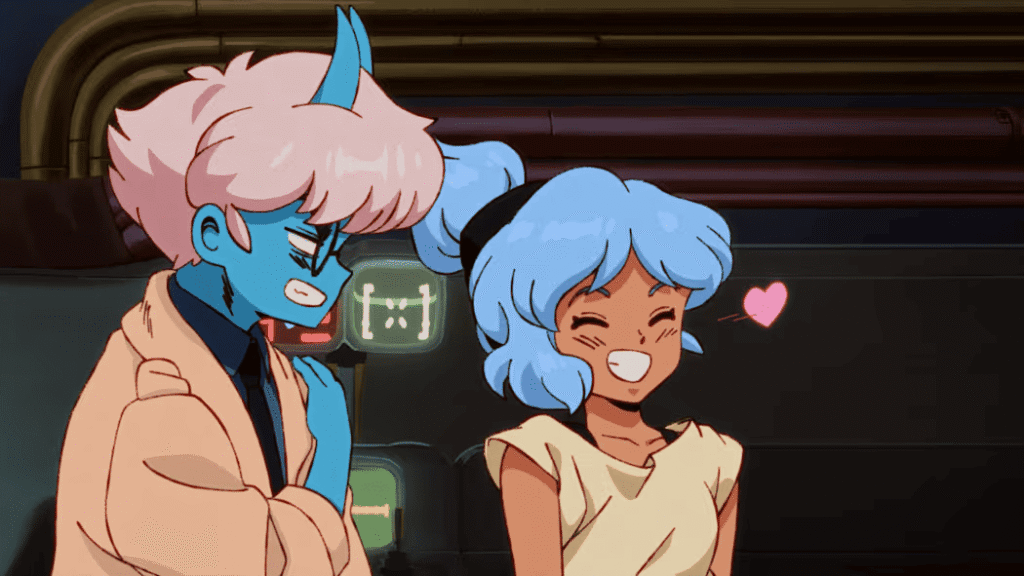
Does the Friend’s Pass let you play the full Orbitals adventure?
Yes. When invited by a player who owns the complete version, the Global Friend’s Pass lets the second player join the full Orbitals co-op adventure at no cost. Nintendo also offers a separate demo, but the demo is limited to local co-op. The demo and the Friend’s Pass co-op feature are therefore two different ways to access Orbitals.
Global Friend’s Pass vs. GameShare
Both options can let two players enjoy Orbitals without buying two copies, but they work differently.
| Feature | Global Friend’s Pass | GameShare |
|---|---|---|
| Second purchase required | No | No |
| Full co-op adventure | Yes, when invited | Yes during the shared session |
| Local play | Demo supports local co-op | Yes |
| Online play | Yes | Yes |
| Nintendo Switch 2 | Yes | Required to host; also required for online GameShare |
| Nintendo Switch Online | Required for online play | Required for online GameShare |
| Free download/demo | Yes | No |
| Guest permanently owns the game | No | No |
Global Friend’s Pass lets an invited player join the owner’s full game, while GameShare provides access only during the active GameShare session.
Can you play Orbitals on Nintendo Switch?
Orbitals does not have a native Nintendo Switch version. It is officially listed as a Nintendo Switch 2 game. However, a Nintendo Switch can participate in a supported local GameShare session hosted by a Nintendo Switch 2. The original Nintendo Switch cannot initiate GameShare itself.
For online GameShare and Global Friend’s Pass, a Nintendo Switch 2 is required.
Is Orbitals a single-player game?
No. Orbitals does not support a single-player mode. Nintendo lists the game as supporting two players on a single system and two players online. Its co-op design centers on Maki and Omura working together throughout the adventure.
What happens to the Guest’s save data?
Nintendo confirms that a Friend’s Pass player can join the full co-op adventure, but its public documentation does not explain how guest campaign progression or save data is handled in every situation. For that reason, it is better not to assume how guest progression transfers between different hosts or how individual campaign saves are stored.
What is confirmed: the invited player can access the full co-op adventure through the owner’s invitation.
Frequently asked questions
Do both players need to buy Orbitals?
No. One player can own the full game while the other joins through Friend’s Pass or a supported GameShare session.
Can a Nintendo Switch join an Orbitals GameShare session?
Yes. A Nintendo Switch can join a supported local GameShare session hosted by a Nintendo Switch 2, but it cannot host GameShare or join online GameShare.
Does the Friend’s Pass include the full Orbitals adventure?
Yes. An invited player can join the complete co-op adventure without purchasing the full game.
What happens to the guest’s save data?
Nintendo has not publicly detailed every aspect of guest progression and save behavior, so it is better not to assume how guest saves transfer between sessions.
Bottom line
You don’t need to buy two copies of Orbitals to play together. One full copy can support two-player co-op through local play, GameShare, or Global Friend’s Pass, depending on your setup. The main hardware difference is that local GameShare can include a Nintendo Switch guest, while online GameShare and Global Friend’s Pass require Nintendo Switch 2.