
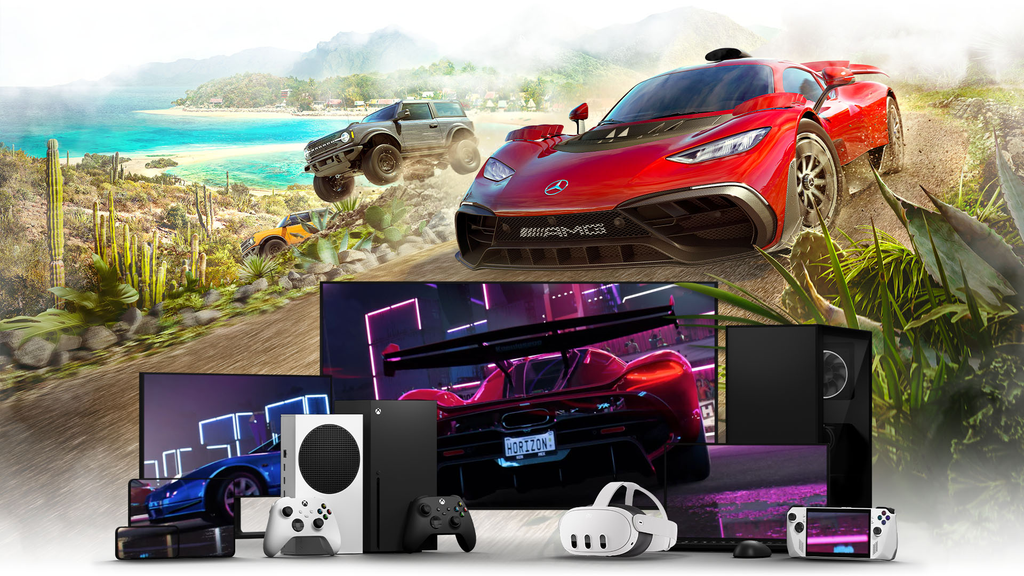
Playing demanding desktop titles on a pocket-sized device used to feel like a distant dream. Today, high-speed wireless networks, cloud gaming infrastructure, and increasingly powerful mobile chipsets make playing many demanding PC games on mobile entirely achievable.
Whether you want to sink hours into massive role-playing games from your couch or jump into a quick strategy session during your lunch break, you do not need a dedicated handheld console to make it happen.
Cloud gaming services: No local PC required
If you do not own a powerful desktop computer, cloud gaming platforms host games on high-end remote servers and stream the video feed directly to your mobile display.
1. NVIDIA GeForce NOW
NVIDIA GeForce NOW connects to supported digital game stores, including Steam, Epic Games Store, Ubisoft Connect, GOG, EA app, Battle.net, and Xbox. Instead of purchasing a second copy, you can stream supported games you already own from compatible storefronts.
The free tier provides ad-supported access with basic cloud rigs and shorter session limits, while paid Performance and Ultimate memberships offer higher resolutions, frame rates, RTX features, and longer sessions.
Note: While GeForce NOW supports thousands of titles, publisher opt-ins are required. Always check the official supported games list to verify if your specific games are streamable before playing.
2. Xbox Cloud Gaming (xCloud)
Xbox Cloud Gaming, included with eligible Xbox Game Pass plans, lets subscribers stream supported Xbox games to Android and iOS devices through a web browser. Its catalogue and availability vary by subscription tier, region, and game.
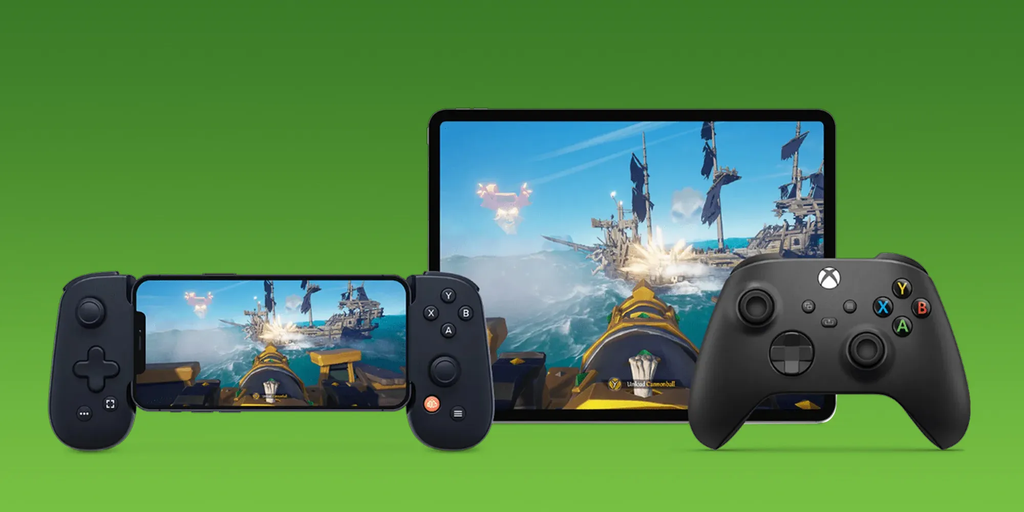
Note: Xbox Cloud Gaming requires an active Xbox Game Pass Ultimate, Premium, or Essential subscription and a supported game in an eligible region. Select free-to-play games can be streamed with a free Microsoft account. On iOS and iPadOS, cloud gaming is accessed through a supported web browser such as Safari, while Android users can stream through a web browser or supported Xbox apps.
3. Boosteroid
Boosteroid is a cloud gaming service that lets users stream supported PC games to compatible devices without installing the games locally. It supports browser-based access as well as dedicated apps on supported platforms, although game availability and performance vary by region, device, and network conditions.

Note: Boosteroid requires a stable internet connection of at least 15 Mbps, while higher resolutions and frame rates require substantially more bandwidth. Performance also depends on your distance from Boosteroid’s servers, network stability, hardware, and routing.
Local home streaming: Leveraging your desktop hardware
When you already own a capable gaming PC, local network streaming can reduce latency and provide better image quality than streaming through a distant cloud server.
1. Steam Link: Steam Link is Valve’s official Remote Play app, allowing you to stream games from a PC running Steam to compatible mobile devices. Download the free Steam Link app directly to pair your device with your host computer.
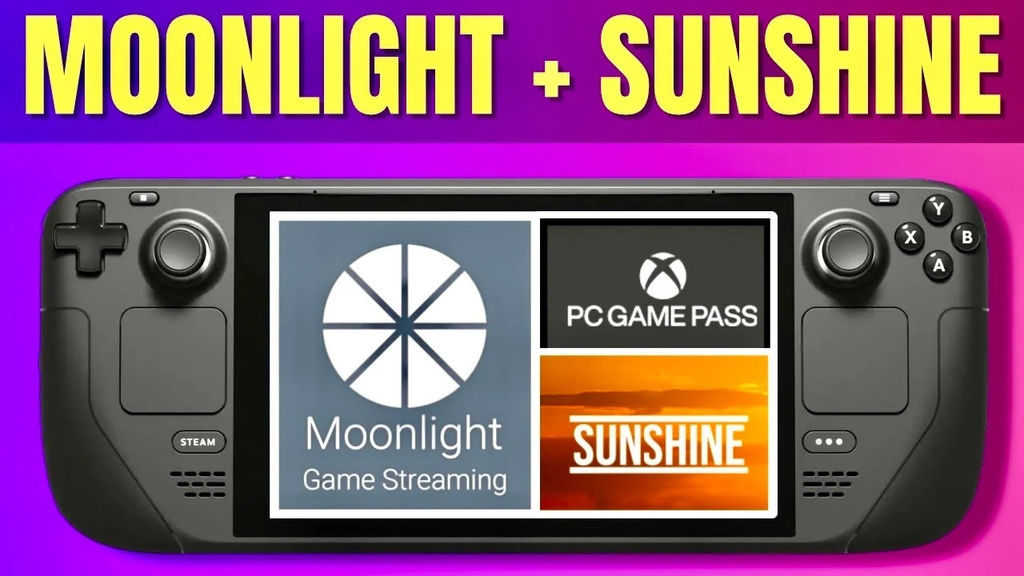
2. Moonlight + Sunshine: Moonlight is an open-source streaming client that pairs with Sunshine, an open-source host application for PCs. Together, they provide a highly configurable option for low-latency, high-bitrate game streaming.
3. Parsec: Parsec is another low-latency remote desktop and game-streaming option, particularly useful when you want to access your gaming PC remotely.
Native mobile ports and Windows emulation
Not every title requires a remote connection or an active internet stream. Games such as XCOM 2 and GRID Autosport have official iOS and Android versions, while Divinity: Original Sin 2 is available as a native iPad game.
1. Official Mobile Ports
Developers frequently rebuild hit titles specifically for mobile hardware. Games like XCOM 2, GRID Autosport, and Divinity: Original Sin 2 feature touch-adapted interfaces while retaining many of their core PC gameplay mechanics.
2. Windows Emulation on Android
Advanced Android users can use compatibility layers such as Winlator to run Windows x86_64 applications and games through Wine and Box86/Box64. While setting up these environments takes patience, running older PC games locally offline is immensely satisfying. However, it is not a hassle-free method for casual players.
Essential requirements for smooth mobile gameplay
To keep your frame rates steady and control inputs responsive, pay close attention to your setup configuration.
- Network Bandwidth: For local streaming, connect your host PC to the router via Ethernet whenever possible. On the phone, use a stable 5GHz or 6GHz Wi-Fi connection if supported.
- Physical Gamepads: Virtual touch controls obstruct screen visibility and lack tactile feedback. Attach a compatible Bluetooth controller or USB-C mobile controller, such as supported Backbone One or Razer Kishi models.
- Display Settings: Choose a stream resolution and aspect ratio that closely matches your phone’s display to reduce unnecessary cropping or black bars.
Frequently asked questions about PC gaming on mobile
- Can I play PC games on my phone without Wi-Fi? Yes, but only with games that have native mobile versions or Windows games that can run locally through Android compatibility layers. Cloud gaming and remote PC streaming require a network connection.
- Does playing PC games on mobile consume a lot of mobile data? Yes. Cloud gaming can consume several gigabytes of cellular data per hour, depending on resolution, frame rate, codec, and bitrate settings. If you have a limited mobile-data plan, Wi-Fi is strongly recommended.
- Can I use a mouse and keyboard on my smartphone? Yes. Android and iOS devices can support external keyboards and mice, but compatibility varies by operating system, streaming app, and game. Controller input is generally the safer option for mobile game streaming.
- Will running PC games drain my phone battery quickly? Cloud and remote streaming can reduce the CPU/GPU workload compared with rendering a demanding 3D game locally, but video decoding, networking, and a high-refresh display can still consume substantial battery.
The best options for running PC games on mobile today
If you own a capable gaming PC, Moonlight with Sunshine is one of the strongest options for low-latency local streaming. If you do not own a gaming PC, GeForce NOW is a convenient option for supported titles that you already own or can access through its supported services.