
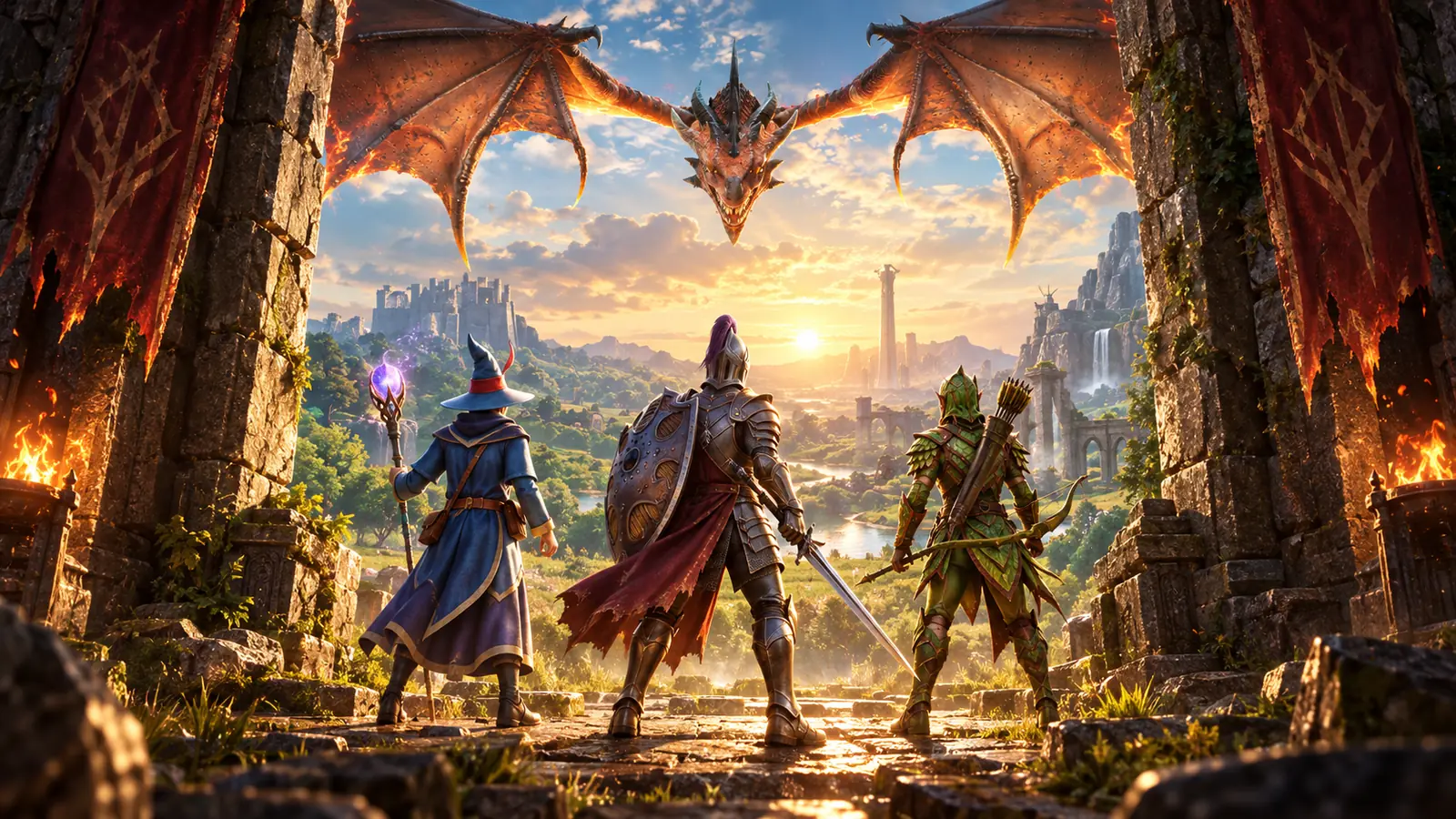
Yes. RuneScape: Dragonwilds crossplay connects PC, PlayStation 5, Xbox Series X|S and Nintendo Switch 2 players from the full launch on September 15, 2026. It does not include cross-save, so moving to another platform will not bring the same character progress with you.
That distinction matters if you already have an Early Access character on Steam or plan to keep a shared world running for friends on different systems.
How RuneScape: Dragonwilds crossplay works
Crossplay means players using different supported systems can enter the same multiplayer world. Jagex has confirmed the feature for the 1.0 console launch, so a PC player can stay on PC while friends join from PS5, Xbox Series X|S or Switch 2.
| Platform | Crossplay status | What to know |
|---|---|---|
| Steam on PC | Supported from September 15 | Existing Steam characters can play with console users |
| Epic Games Store on PC | Supported from September 15 | Included in the full PC launch |
| Jagex Launcher on PC | Supported from September 15 | The launcher version is a separate way to buy and run the PC game |
| PlayStation 5 | Supported from September 15 | Included with PlayStation Plus Extra and Premium at launch |
| Xbox Series X|S | Supported from September 15 | Included with Game Pass at launch |
| Nintendo Switch 2 | Supported from September 15 | Nintendo’s supported edition is made for Switch 2 |
Jagex describes the feature as crossplay across its launch platforms rather than publishing a separate matrix for every possible pairing. The announcement therefore covers play between the supported PC and console versions, although the finished matchmaking menus cannot be checked until those versions are live.
The official release date trailer shows Dragonwilds expanding beyond PC and confirms the supported launch platforms. Watch it here before checking the save and progression limits below.
Crossplay does not include cross-save or cross-progression
Crossplay answers who can play together. Cross-save determines if one player can continue the same save on another platform. Dragonwilds supports the first, but not the second.
| Feature | Supported? | What it means |
|---|---|---|
| Crossplay | Yes | Players on supported systems can share a multiplayer world |
| Cross-save | No between platforms | A save created on one platform cannot be loaded on another |
| Cross-progression | No between platforms | Buying a second version does not carry over the same character progression |
| Steam Cloud Save | Yes on Steam | Steam can back up its save data, but it cannot turn that save into a console save |
The official PlayStation 5 FAQ gives a useful example. Your existing Steam character can play alongside people joining from console. If you buy the game on PS5, Xbox Series X|S or Switch 2 and start playing there yourself, however, your Steam progress will not follow you.
In practice, there is no need to abandon a developed Steam character just because your group is moving onto several systems. Stay on Steam and use crossplay. Only expect a fresh start when you change the platform running your character.
Characters and worlds are separate parts of multiplayer
The save limitation is easier to understand once characters and worlds are treated as different things.
Your character holds your personal progression. A world holds the shared environment your group explores and builds in. Moving a world to an always-on server can make that world available more consistently, but it does not convert individual character saves into cross-platform saves.
For example, a six-person group can keep its buildings and shared environment on a dedicated server even when the person who originally created the world is away. Each member still connects with their own character; keeping the world online does not make those characters portable between systems.
This is also why “the world remains available” and “my progress follows me to another device” are not interchangeable promises. A persistent server solves a hosting problem. It does not remove the cross-save restriction.
Can console players join a Dragonwilds dedicated server?
Yes. A Jagex representative has said that console players can connect to a hosted dedicated server. The clarification appeared in a recent J-mod response about console server access, filling a gap left by older pre-launch documentation.
The dedicated-server software itself is not a console app. According to Jagex’s official dedicated-server guide, a group can rent hosting, run the server on a Windows or Linux computer at home, or configure one on a cloud computer.
A console-only player does not necessarily need to own a gaming PC to use this option. They can rent hosting, manage it through a phone or web browser, and then connect to the world from their console. What has not been announced is the ability to run the dedicated-server program directly on a PS5, Xbox or Switch 2.
Dedicated servers currently support up to six players, compared with the four-person group described for regular play. They also need to run the same game version as every client. After a major update such as 1.0, the server may need a restart before it appears correctly in the public world list.
This article does not recommend a particular paid host. Renting a server is useful when a group wants a persistent world, but it is unnecessary for friends who are happy to play only while their usual host is available.
Do PC players need to buy a console copy?
No. Buying another copy is not required simply to join friends on console. The PC version already participates in crossplay, so an existing Steam player can remain on Steam and keep using that character.
A second purchase only makes sense if you want to run the game directly on another system. Because progress does not transfer, changing to that copy also means using a separate save rather than continuing the Steam character.
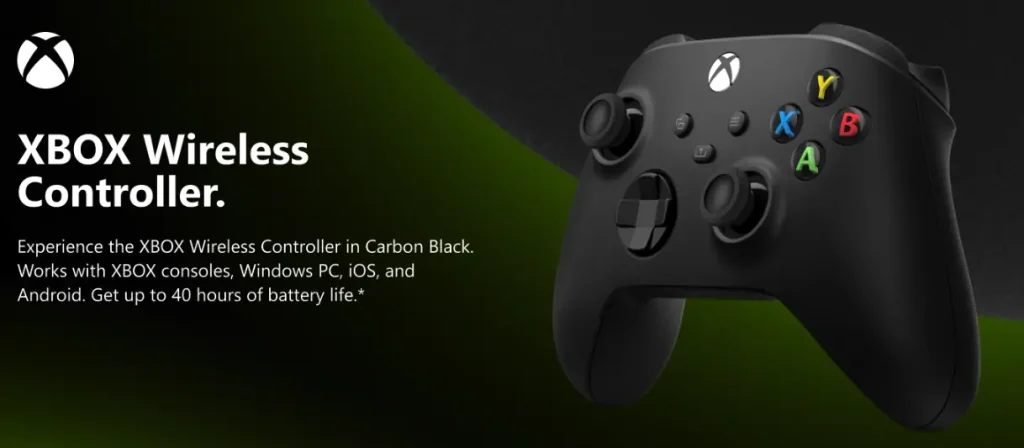
If you plan to stay on PC but prefer a console-style setup, an Xbox Wireless Controller is a relevant optional upgrade. Dragonwilds supports Xbox controllers on Steam, and the same controller can be used with Xbox Series X|S.
What is not confirmed before launch?
The broad compatibility is official, but Jagex has not yet published a complete walkthrough of the finished console menus. Before the September 15 release goes live, the exact friend-adding steps remain unknown. Jagex has also not confirmed a manual crossplay toggle or shown how each console displays the public world browser.
The dedicated-server guide says PC users find a server by entering its exact, case-sensitive world name in the Public tab. A Jagex representative has confirmed that console users can connect to hosted servers, but the final console search flow still needs to be checked in the released build.
If a cross-platform world does not appear after launch, first confirm that the game and dedicated server are running the same version. Do not assume that missing cross-progression is a connection error; it is a separate, intentional limitation.
Can Dragonwilds be played offline?
Yes, solo play works offline. Jagex confirms that the full Kuldra’s Saga can be played without an internet connection. Crossplay and access to a shared or dedicated server naturally require an online connection.
Is Dragonwilds coming to older consoles?
Jagex has announced the game for PS5, Xbox Series X|S and Nintendo Switch 2, alongside PC. It has not announced versions for PS4, Xbox One or the original Nintendo Switch.
The Nintendo name is the easiest one to misread: the supported version is specifically for Switch 2. Owners of the first Switch should not buy accessories, subscriptions or another edition based on the assumption that a compatible release has been confirmed.
As an Amazon Associate, Gaming Chill earns from qualifying purchases. This does not affect the price you pay or what we recommend. Full disclosure